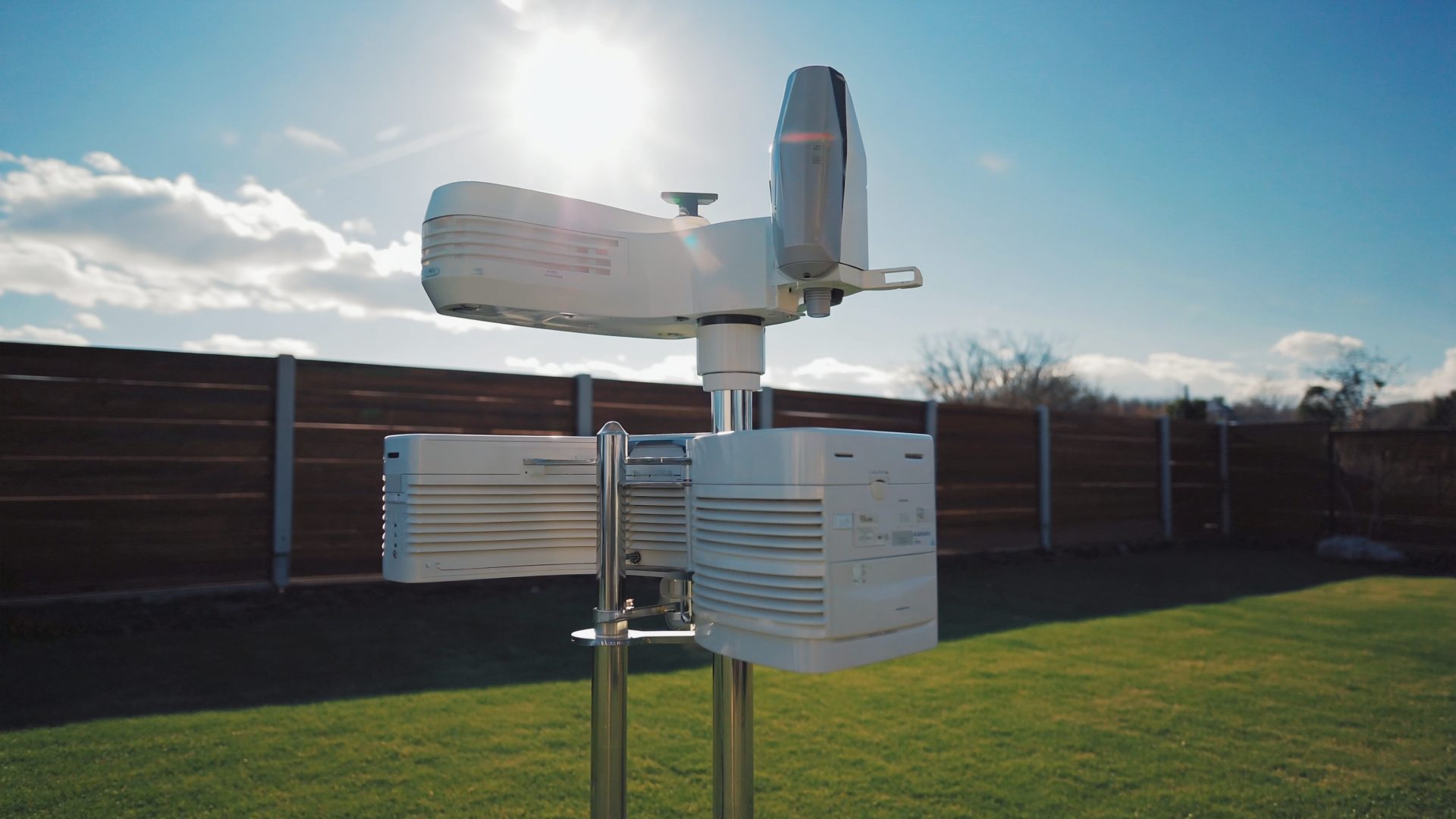
Your weather station hardware collects the data, but software is what makes it useful. The right app or dashboard transforms raw numbers into actionable insights — trend charts that show a cold front approaching, alerts when wind speeds spike, or exportable CSV files for long-term analysis. Here is a breakdown of every major platform, from manufacturer apps to open-source tools. Pair the right software with solid hardware from our Best Home Weather Stations 2026 guide, and learn to interpret the readings in our Weather Station Data for Beginners primer.
Manufacturer Apps
Ambient Weather App & Dashboard — Best Overall (Free)
If you own an Ambient Weather station, you already have access to one of the best weather dashboards available. The mobile app (iOS/Android) is clean and responsive, with real-time readings, historical charts, and customizable push alerts. The web dashboard at ambientweather.net adds full-screen views, data export, and embedding widgets.
The standout feature is automatic uploads to Weather Underground, PWSweather, and CWOP — configured through the app without touching any settings files. You can also grant access to family members and set up multiple station profiles. The API is well-documented for developers who want to pull data into custom projects.
Pros
- Modern, intuitive interface
- Push alerts for all sensor readings
- Auto-upload to WU, CWOP, PWSweather
- Open API for developers
Cons
- Only works with Ambient Weather hardware
- Historical data limited to 1 year on free tier
- Occasional cloud sync delays
Davis WeatherLink (Free / $4/mo Pro)
Davis has improved WeatherLink significantly, but it still lags behind Ambient Weather in usability. The free tier shows real-time data and basic charts. The Pro tier ($4/month) unlocks longer history, data export, and advanced charting. The app works but feels utilitarian rather than polished.
The biggest strength is integration with the Davis professional ecosystem. If you are contributing data to CWOP or MesoWest, WeatherLink handles the routing natively. For casual users, the free tier is sufficient.
Ecowitt App & ecowitt.net (Free)
Ecowitt has invested heavily in their platform recently. The app now supports custom dashboards, multi-sensor views, and data export. The web interface at ecowitt.net is functional with historical charts and device management. Automatic uploads to Weather Underground and other networks are built in.
The main weakness is reliability — we have experienced occasional data gaps where the cloud server missed uploads for 10–15 minutes. Nothing critical, but noticeable if you monitor your data closely.
Third-Party Platforms
Weather Underground (Free)
The original personal weather station network, now owned by The Weather Channel (IBM). WU aggregates data from over 250,000 personal stations worldwide and displays it on a map alongside official NWS data. Registering your station is free, and WU provides a station page with real-time readings, history, and neighborhood comparisons.
For Gulf Coast residents, the density of WU stations means you can see hyperlocal rainfall differences — helpful when a thunderstorm drops 3 inches in one neighborhood and nothing two miles away. The WU API is available for developers, and the WunderMap is one of the best weather maps available.
WeeWX (Free, Open Source)
WeeWX is the power user's choice. It is a Python-based weather station application that runs on a Raspberry Pi, Linux box, or Mac. It pulls data directly from your station hardware (supporting Davis, Ecowitt/Fine Offset, AcuRite, and many others), generates beautiful HTML reports, and uploads to multiple networks simultaneously.
The learning curve is steep. You will edit configuration files, install drivers, and troubleshoot Python dependencies. But the result is full control over your data — no cloud dependency, no subscription fees, and endless customization through skins and extensions. The WeeWX community is active and helpful.
Pros
- Complete data ownership
- Runs locally, no cloud dependency
- Supports dozens of hardware brands
- Highly customizable reports
Cons
- Steep setup curve
- Requires always-on computer
- No native mobile app
- Documentation assumes Linux experience
Weather34 / WeatherFlow Tempest App
Weather34 is a stunning web-based dashboard template that turns your station data into a magazine-quality display. It pulls data from WeeWX, Ecowitt, or Weather Underground and presents it with animated gauges, forecast panels, and responsive design. It is the best-looking weather dashboard available and completely free.
WeatherFlow Tempest deserves mention for their app quality, though it only works with WeatherFlow's own hardware. The app includes lightning maps, rain notifications, and AI-powered forecasting that leverages your local sensor data. If you choose the Tempest station (not covered in our main review due to some accuracy concerns), the software experience is excellent.
Comparison Table
| Platform | Price | Hardware Support | Mobile App | Data Export | Best For |
|---|---|---|---|---|---|
| Ambient Weather | Free | Ambient only | Excellent | CSV | Ambient owners |
| Davis WeatherLink | Free / $4/mo | Davis only | Good | CSV (Pro) | Davis owners |
| Ecowitt | Free | Ecowitt only | Good | CSV | Ecowitt owners |
| Weather Underground | Free | Any (via uploads) | Yes (WU app) | API | Everyone |
| WeeWX | Free (OSS) | Many brands | No | Full DB access | Power users |
| Weather34 | Free | Via WeeWX/API | Responsive web | Via source | Beautiful dashboards |
Our Recommended Stack
For the best experience, we recommend a layered approach:
- Primary: Use your manufacturer's app (Ambient, Ecowitt, or Davis) for real-time monitoring and alerts on your phone.
- Community: Upload to Weather Underground for neighborhood context and to contribute to the PWS community.
- Advanced (optional): Run WeeWX on a Raspberry Pi for local data ownership and to generate a custom web dashboard with Weather34 for that wow factor. If you are building out a home office or tech workspace, a dedicated Pi for weather data fits naturally into your setup.
Recommended Hardware
The best software experience starts with the right hardware:
- Ambient Weather WS-5000 — Best app experience overall ($330–$380)
- Ambient Weather WS-2902 — Best value with great app support ($170–$200)
- Ecowitt HP2560 + WS90 — Best for local Home Assistant integration ($250–$300)
- Raspberry Pi 4 Model B — Run WeeWX or Home Assistant locally ($55–$80)
★ Recommended Reading & Gear
- The Weather Machine — How data from millions of weather stations feeds into global forecasting models
- Python for Data Analysis — Learn to analyze your exported weather station CSV data with Python and pandas
- Raspberry Pi 5 Starter Kit — Run WeeWX or Home Assistant locally for complete weather data ownership ($90–$120)
Bottom Line
The Ambient Weather app is the best out-of-the-box experience. Weather Underground is essential for community context and should be enabled on every station. Power users who want full control should invest a weekend setting up WeeWX on a Raspberry Pi — the result is a professional-grade data pipeline that you own completely.
Frequently Asked Questions
What is the best weather station app?
The Ambient Weather app is the most polished consumer option with modern charts, custom dashboards, and push alerts. Weather Underground offers the best community network for viewing other stations near you.
Can I use my weather station with Weather Underground?
Yes, most Wi-Fi-enabled stations from Ambient Weather, Ecowitt, and Davis (with WeatherLink Live) can upload data to Weather Underground automatically. Create a free account, register your station, and enter your station ID in the console settings.
Is there free software for weather station data?
Yes. Weather Underground, PWSweather, and Ecowitt.net all offer free cloud dashboards. Open-source tools like WeeWX provide advanced local data analysis and website generation for enthusiasts who want full control.
Can I connect my weather station to Home Assistant?
Yes. Ecowitt stations integrate natively with Home Assistant via the Ecowitt integration. Ambient Weather and Davis stations can connect through their APIs or via WeeWX as a bridge. This lets you build automations based on real-time weather data from your own sensors.
Do weather station apps work without internet?
Most manufacturer apps require an internet connection to display data because they pull from cloud servers. The exception is Ecowitt, which supports local-only access via its console IP address on your home network. WeeWX running locally provides full offline access to all your weather data.
Explore More Reviews
- Best Air Purifiers for Home Office on DeskSetupPro
- Best Cooling Sheets for Summer on RestWell